
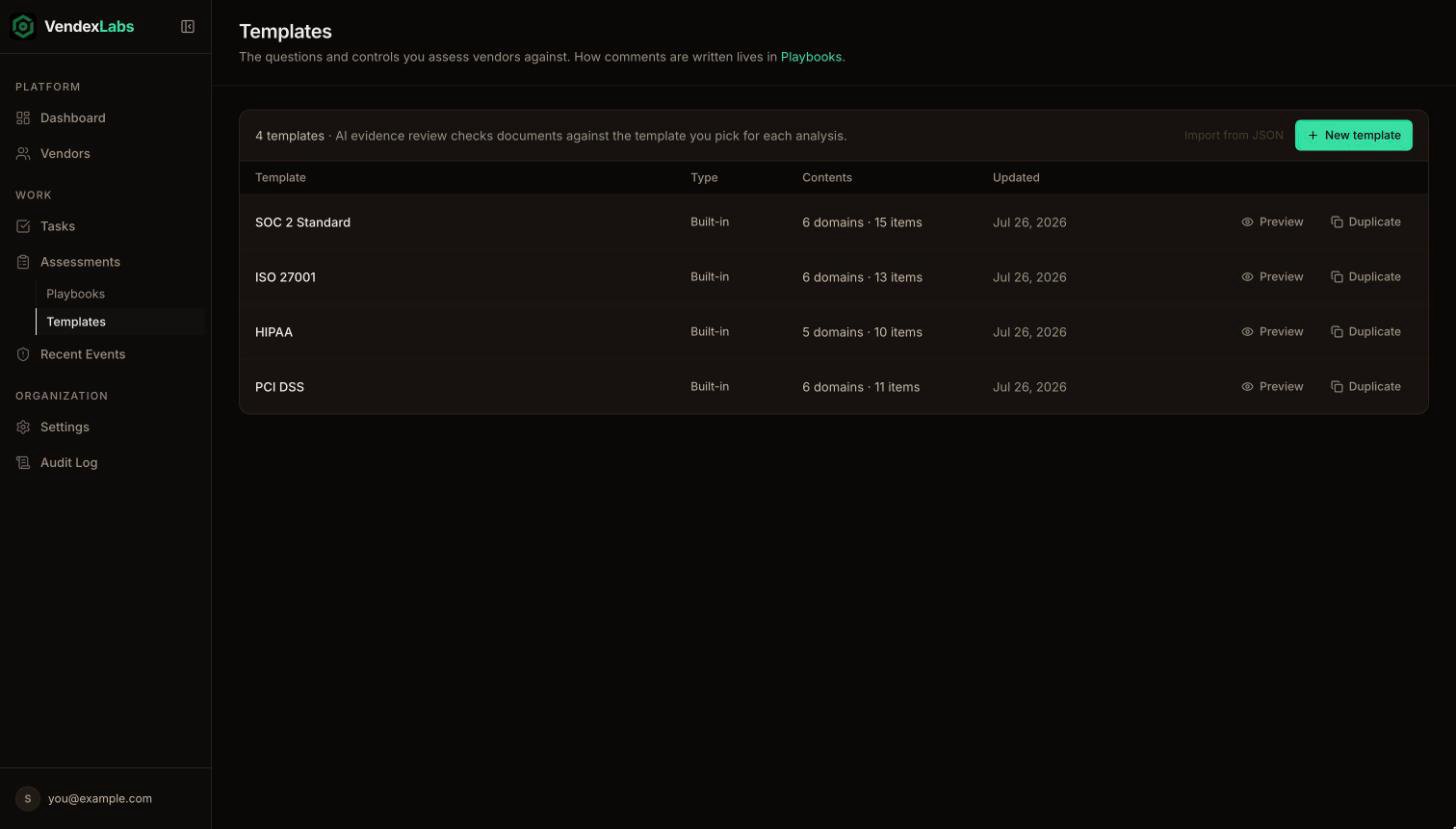
Built-in and custom templates
- Built-in templates are maintained by VendexLabs and are read-only. Anyone can preview one or duplicate it to customize.
- Custom templates belong to your organization and can be fully edited.
Build a template
1
Start from a copy or from scratch
Duplicate a built-in template to start from a proven set, or create a blank one.
2
Add domains
Group related controls into domains, for example Access control, Encryption, or Incident response.
3
Add items
Each item is one question. Give it a short label and, optionally, guidance on what counts as evidence, for example “A documented policy reviewed in the last 12 months.” Guidance makes the verdicts sharper.
4
Set it as active
Make the template active so new evidence reviews use it.
Templates, playbooks, and criteria
These three words mean different things in VendexLabs:
A playbook can name the template that usually goes with it. You can also create and edit templates from Claude with the Claude connector.