
The posture ring
At the top of every vendor profile is the posture ring — the vendor’s aggregate score and risk tier at a glance (for example,94 · Low). It’s the one-second read on where the vendor stands.
Tabs
Overview
Overview
The vendor at a glance: company description, industry, and the headline posture. The starting point for any review.
Security posture
Security posture
Compliance certifications, security controls, and the evidence behind the Compliance domain score.
Data privacy
Data privacy
What data the vendor collects and how it’s handled, plus published sub-processor information where available.
Financials
Financials
Business and financial maturity signals — funding, longevity, and stability — behind the Business & financial domain.
GRC Posture
GRC Posture
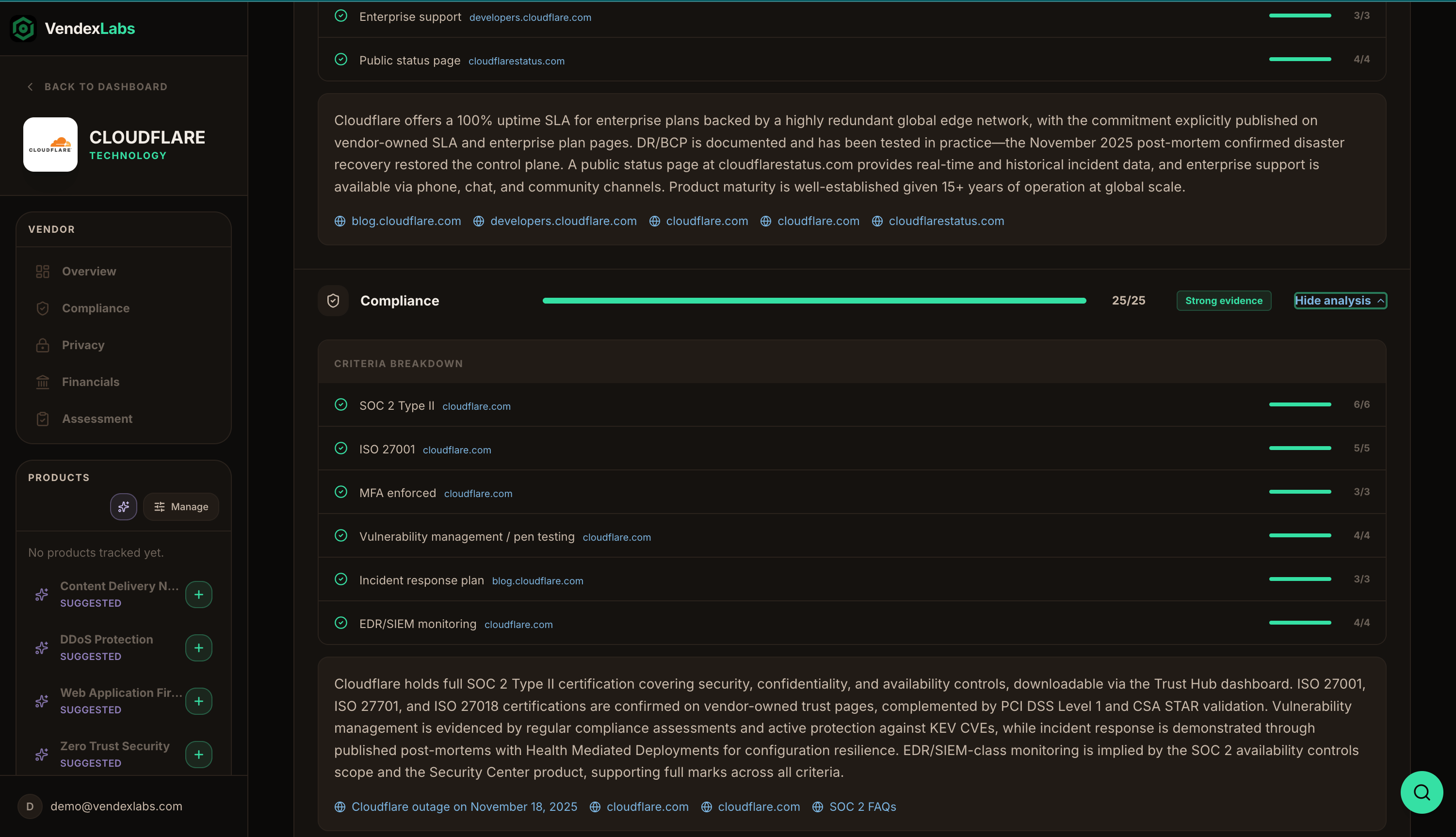
The full scoring breakdown: aggregate score, risk tier, integration depth, recommendation, and per-domain trust scores with evidence badges and cited analysis. See Risk scoring.
Assessment
Assessment
Your review record — business context, data handling, compliance decision, evidence, and the approval log. See Assessments.
Vendor Risk sections
Alongside the tabs, the profile’s Vendor Risk navigation gives you focused views:- General Compliance — the compliance picture and certifications.
- Privacy Controls — data handling, data-subject support, and sub-processors.
- Business Maturity — company type, funding, and reach.
- GRC Posture — the scoring detail.
- Vendor Assessment Tracking — your assessment and its history.