
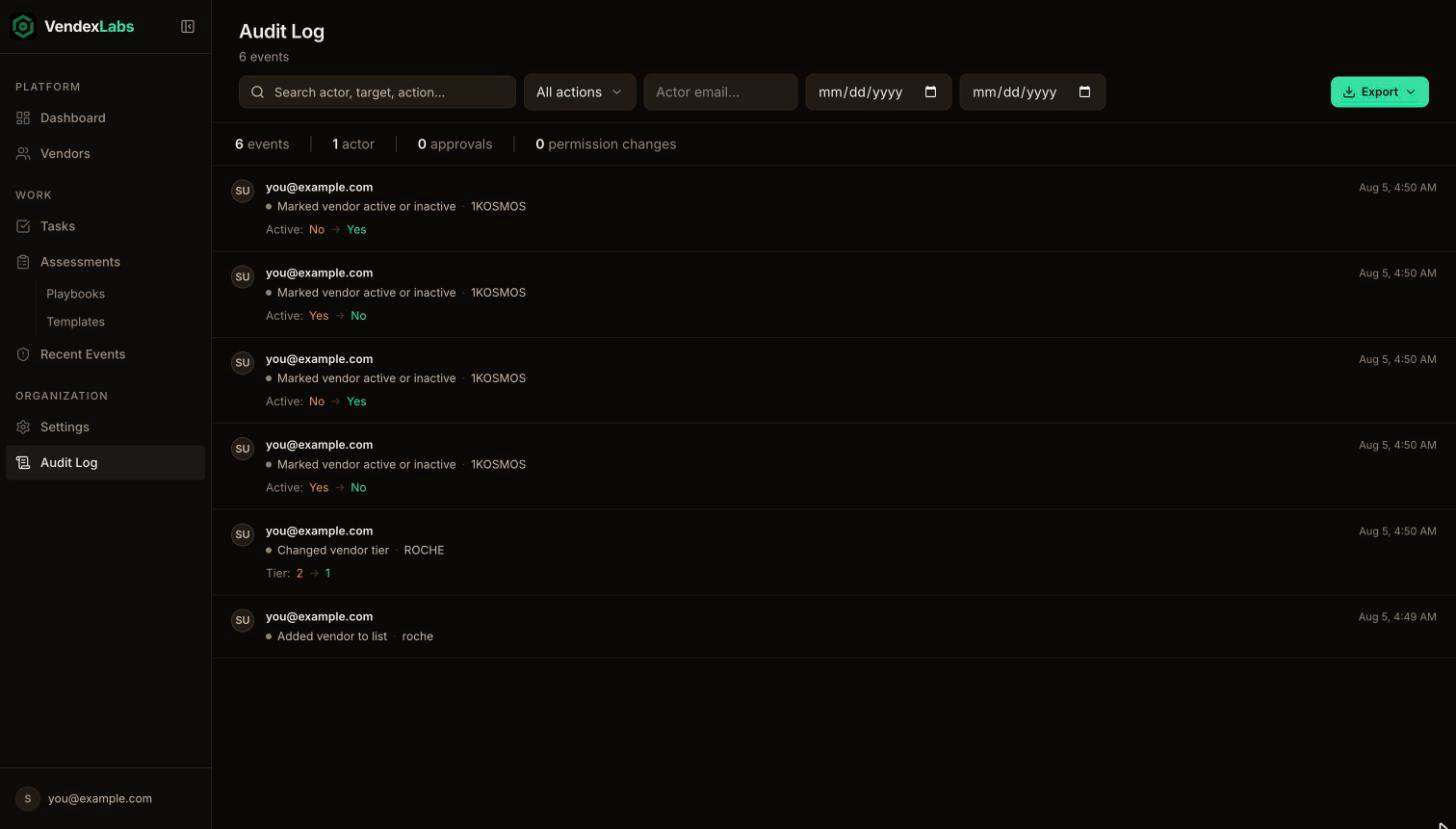
What’s recorded
Changes made through the Claude connector are marked as made via Claude, so you can always tell them apart from changes made in the app.
Find an event
- Search by actor, target, or action.
- Filter by actor email.
- Narrow to a date range with the From and To dates.
Export
Choose Export all filtered (CSV) to download every event that matches your current filters, ready to hand to an auditor.The audit log is read-only. Nobody, including owners, can edit or delete an entry.